A page citation is helpful only if it opens the page that supports the answer. With a scanned PDF, there are two separate things to check: whether the software can read the image and whether the answer points back to what it read.
Start with a file you can check
Download the six-page scanned PDF practice file. It is fictional and contains both selectable text and image-only pages. If you use a cloud service, use this sample rather than sending a real contract, invoice, or meeting record.
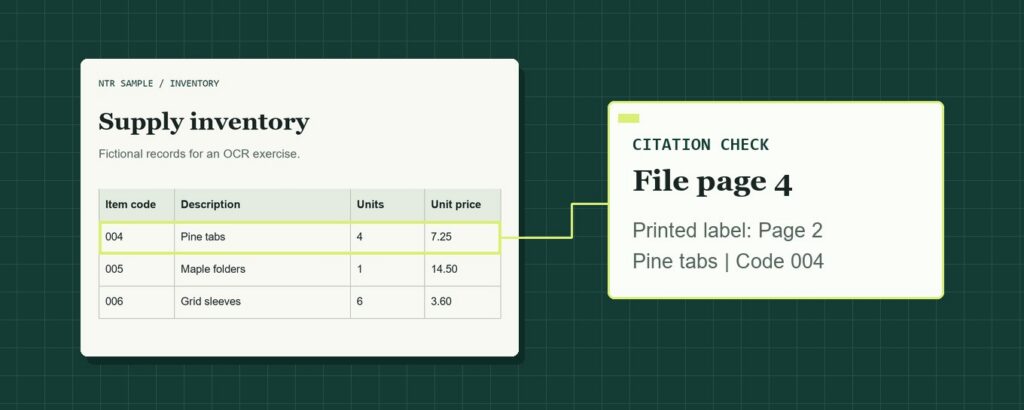
In your PDF viewer, go to the fourth page in the file. The footer in the scan says Page 2. That distinction is the point of the exercise: a citation can show either number, but its link should open the right page.
Ask three questions
| Ask | Expected answer | Where to check |
|---|---|---|
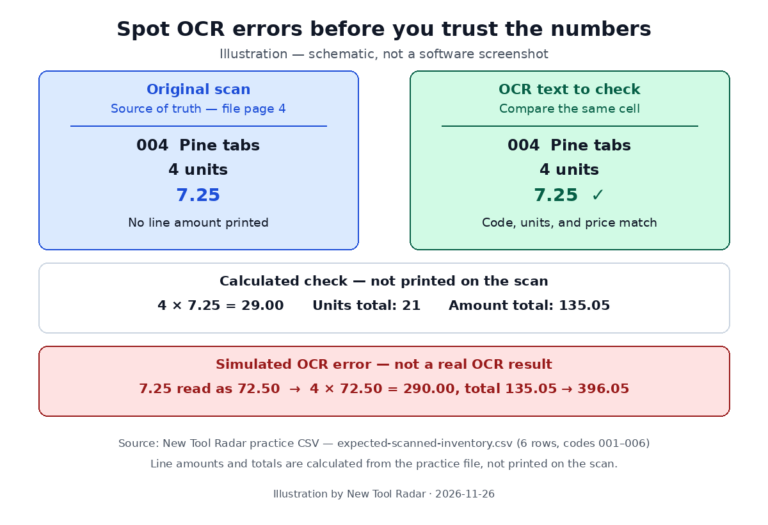
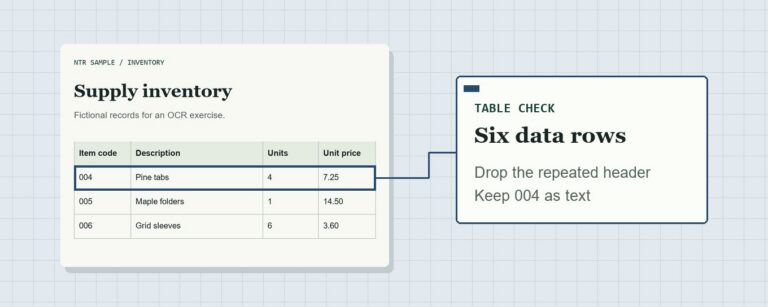
| What is the unit price for item 004? | 7.25 | File page 4, printed Page 2. Check the Pine tabs row. |
| How many Cedar labels appear in the Units column? | 5 | File page 3, printed Page 1. Check item 002. |
| What is the supplier’s phone number? | It is not provided. | File page 2 explicitly says there is no phone number. Do not accept an invented number. |
For each question record the answer, the page position the citation opens, and the words or table cell that support it. A correct number with a wrong citation is a different failure from an incorrect number with a correct citation.
When a citation is wrong
- Compare printed label with file position before marking an off-by-one error.
- If the link opens the right page but the text does not support the claim, mark the answer unsupported.
- If the tool cannot read the scan, verify the text layer on that page. Add OCR or choose a tool that can read images, then rerun the same questions.
This is a repeatable check, not a product ranking. If you are comparing services, hold the file and questions constant and note the date, plan, and any OCR settings.
Next: check whether a PDF needs OCR, or check a multi-page PDF table export.